Flock of the Seraphim Build Planner
Tick families, read a sketch, then go play the ten-minute clock.
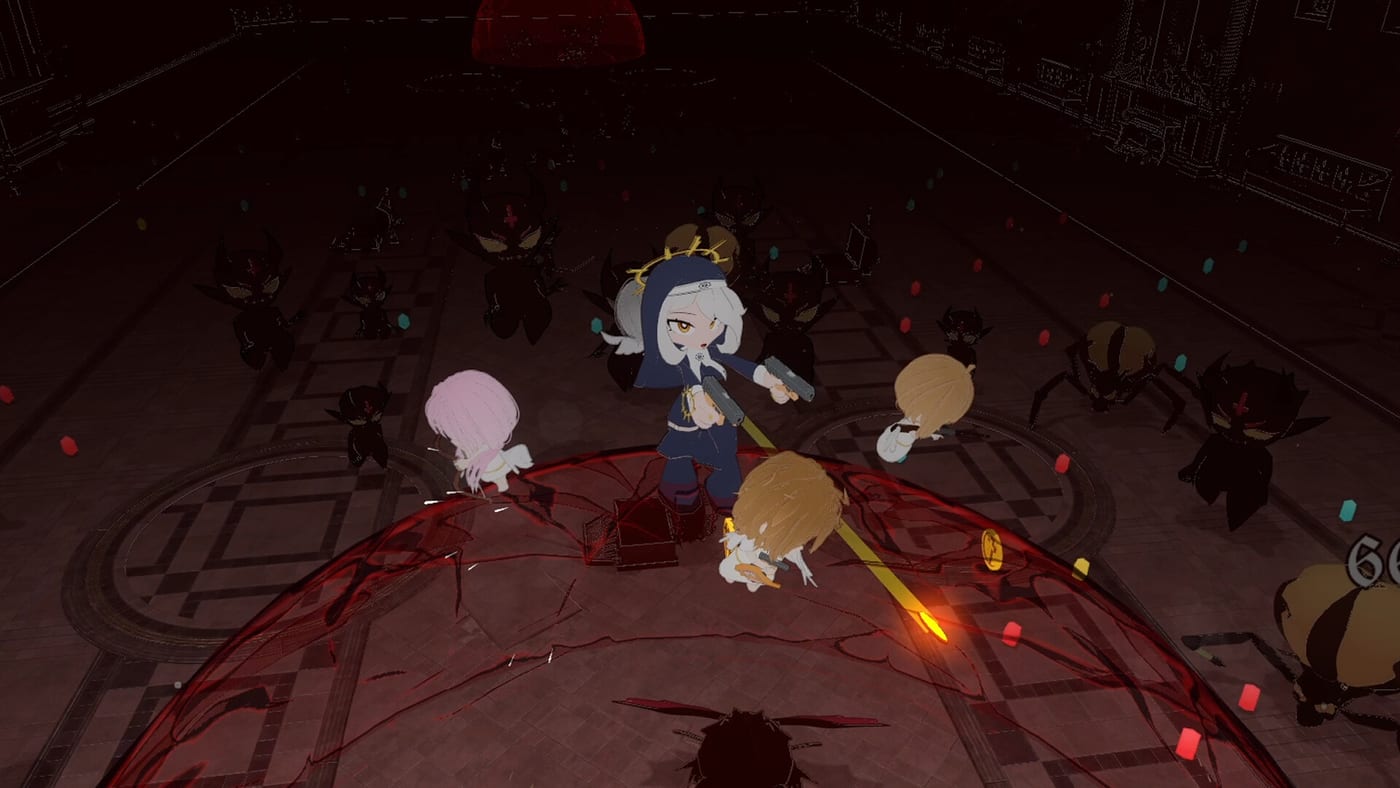
This planner is a checkbox, not an oracle. Tick the weapon roles you expect to recruit, then read the sketch it prints. The advice matches starter builds and the two-range rule from Getting Started. It will not compute a hidden DPS.
Flock sketch
Toggle weapon roles to see a suggested first-hour plan. This is a planning aid, not a hidden damage formula.
Pick at least one weapon role to see a route.
How to use the sketch
Tick one closer and one line before you tick a launcher. If the sketch tells you that you are stacking short range, believe it. Dual swords plus scythe plus shotgun is a hallway fantasy. Add a bow or rifle. If the sketch tells you a lone RPG is a nap, believe that too. Weapon Types is the essay behind each box.
Use the planner in the hub, not in a chest. A roar is the wrong time to open a wiki. If you need a mid-run rule, it is still “fill the empty range or skip.”
What the boxes mean
Pistol is the spine. Shotgun is the inner ring. Bow and rifle are the line. RPG is the burst valve. Dual swords and scythe are melee doors. Those are the families this wiki is willing to name. If 1.0 shows you a new box, treat it as closer, line, or valve, then write us a note after the run.
After you close the planner
Launch. Play the clock. If the flock that actually dropped disagrees with the sketch, keep the flock. The planner is a wish. The arena is the truth. Then spend currency on the families that appeared, using Meta Upgrades. Rank what you felt on the angel tier list only after a clear.
If the client never opens, the planner cannot help. Use the crash fix. If you want a longer clock, take the same two-range idea into Endless and drop comfort items. The planner stays a first-hour toy on purpose. A 40-option optimizer would lie more than it would help.
If you share a machine, the sketch does not persist. Recheck the boxes, read one sentence, launch. If the first recruit disagrees, keep the recruit. The planner is a wish list for starter builds, not a contract with the loot table. People who treat it as a contract reset good pistols for a scythe they never saw. Do not be those people. The ten-minute clock does not care what you ticked.
A second habit: after a wipe, open the planner only if you can name the hole in one word — closer, line, or valve. If you cannot name it, you do not need more boxes. You need Getting Started or How to Beat the First Boss. The planner is for people who already know the exam and want a reminder. It is not a teacher. Teachers are the guide pages. Reminders are checkboxes. Keep those jobs apart and the sketch stays honest.
A third habit: do not tick every family “just in case.” A full board prints a paragraph that sounds wise and plays like a mess. Two ticks and a launch beat seven ticks and a theory. If you want theory, the angel tier list will argue with you after a clear. If you want a night, tick two ranges and go.
Frequently Asked Questions
Quick answers to the most common questions.
Does the planner save my flock?
No. It is a session sketch. The unlock checklist is the tool that stores ticks in the browser.
Why is there no damage number?
GuuchanDev has not published formulas. A fake number would be worse than a role note.
Can I plan an Endless stack here?
You can tick the same boxes. The printed notes still bias toward a first-hour two-range flock.
Where do I read more about a family?
Open Weapon Types, then the angel tier list if you want a rank.